ExpenseHub
Private expense tracker. Bank alerts added on your phone. No ads, no account.
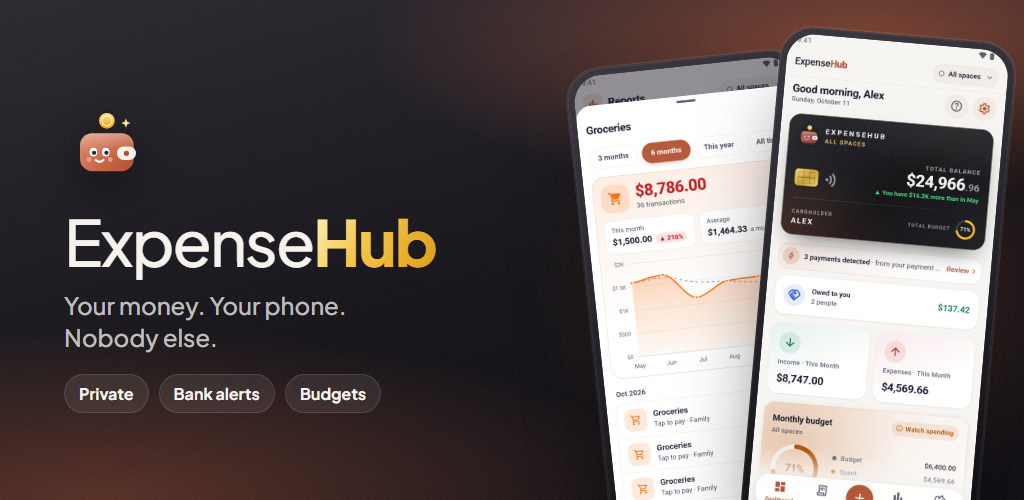
Your money. Your phone. Nobody else. ExpenseHub is a private expense tracker for Android: no account, no ads and no servers, so everything you record stays on your phone. Payment alerts from the banks you choose are read on the phone and wait for one tap to add.
- No ads, ever
- No account needed
- Stays on your phone
Private by design, fast by habit.
Nothing to leak
No sign-up and no ExpenseHub server. What you record never leaves your phone.
- No analytics, crash reporting or advertising ID
- Lock with fingerprint, face or phone PIN
- Hide every amount with one tap
Bank alerts, added for you
Payment alerts from the SMS and bank apps you pick wait on your Dashboard for one tap to add.
- Off until you turn it on
- Read and processed on your phone
- Share any bank SMS or email to fill the form
See where it goes
Balance, monthly budget and trend on one card, with reports you can drill into.
- By category, month, space and payment method
- Tap any bar to see every payment behind it
- Separate spaces for Personal, Family, a shop or a trip
Plan the big ones
Know the month you can afford a wedding, a car or a phone — or what the loan will really cost.
- Plans, goals and recurring bills
- Real EMI, interest and repayment schedule
- Split bills and track who owes whom
Made for phones and tablets
A real tablet layout, home-screen widgets and short moving guides that explain every feature in simple words.
- English, Tamil, Japanese, Korean and Chinese
- Light and dark themes, your own accent colour
- Works fully offline
Free, or ExpenseHub Plus
Free to use with some limits. Plus removes every limit and adds Google Drive backup.
- Free: 50 transactions a month, 3 spaces
- Plus: monthly or yearly, cancel any time
- Nothing you entered is ever hidden or deleted
One calm place for your money.
Three-tap entries
One-tap repeat
Bank alert capture
Multiple spaces
Drill-down reports
Monthly budgets
Purchase plans
Loan & EMI schedules
Savings goals
Recurring payments
Monthly shopping lists
Bill splitting
Tablet layout & widgets
Five languages
Biometric app lock
One-tap privacy mode
Google Drive backup
CSV export
Built around how you actually spend.
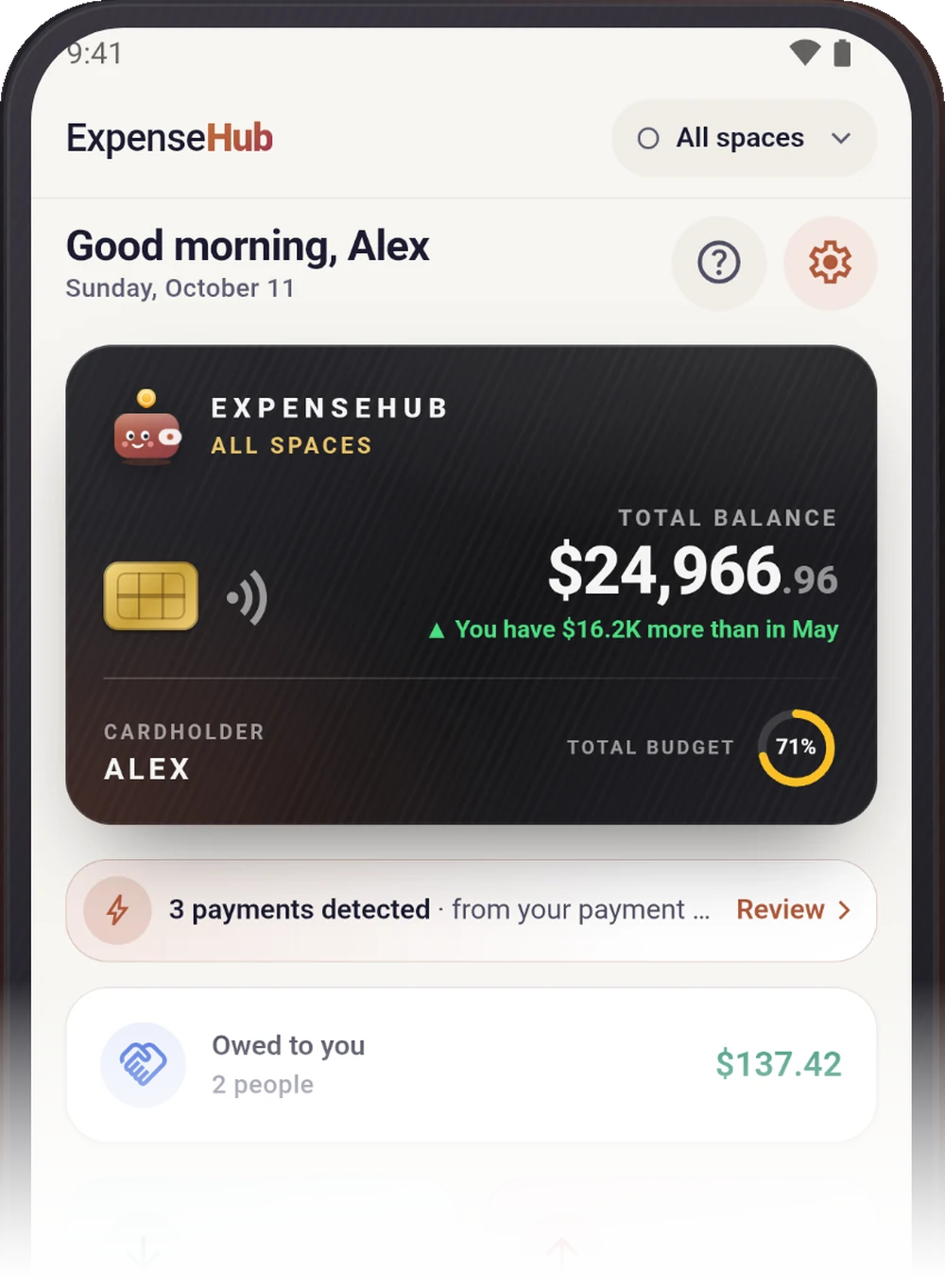
Your money. Your phone.
Your balance, monthly budget and trend on one card, with every space in one view.
- No account, no ads, no servers
- Works fully offline
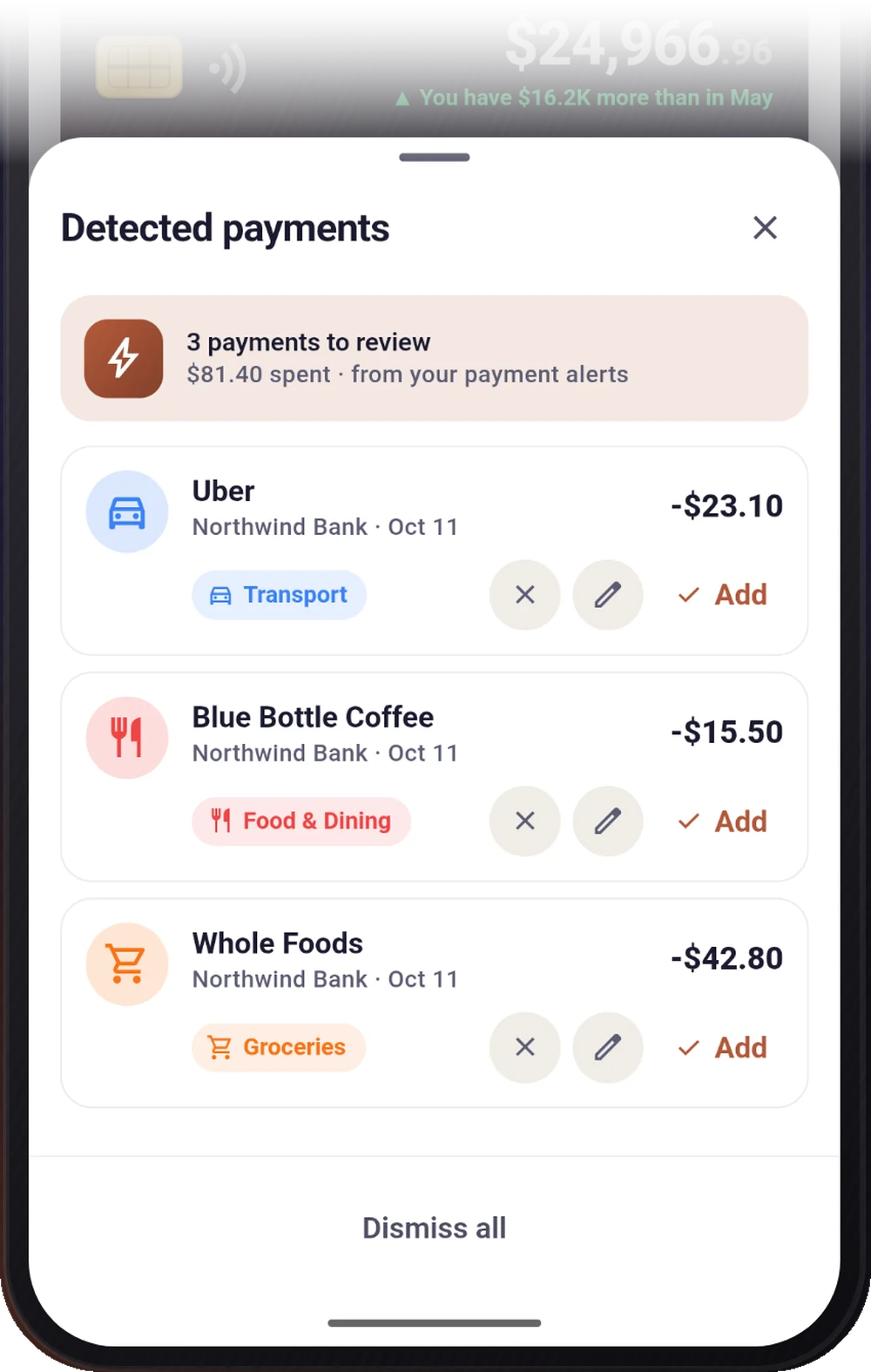
Added for you. Nothing uploaded.
Payment alerts from the apps you choose are read on your phone and wait for one tap to add.
- Uses Android notification access, only for apps you pick
- Dismiss, edit or add each payment
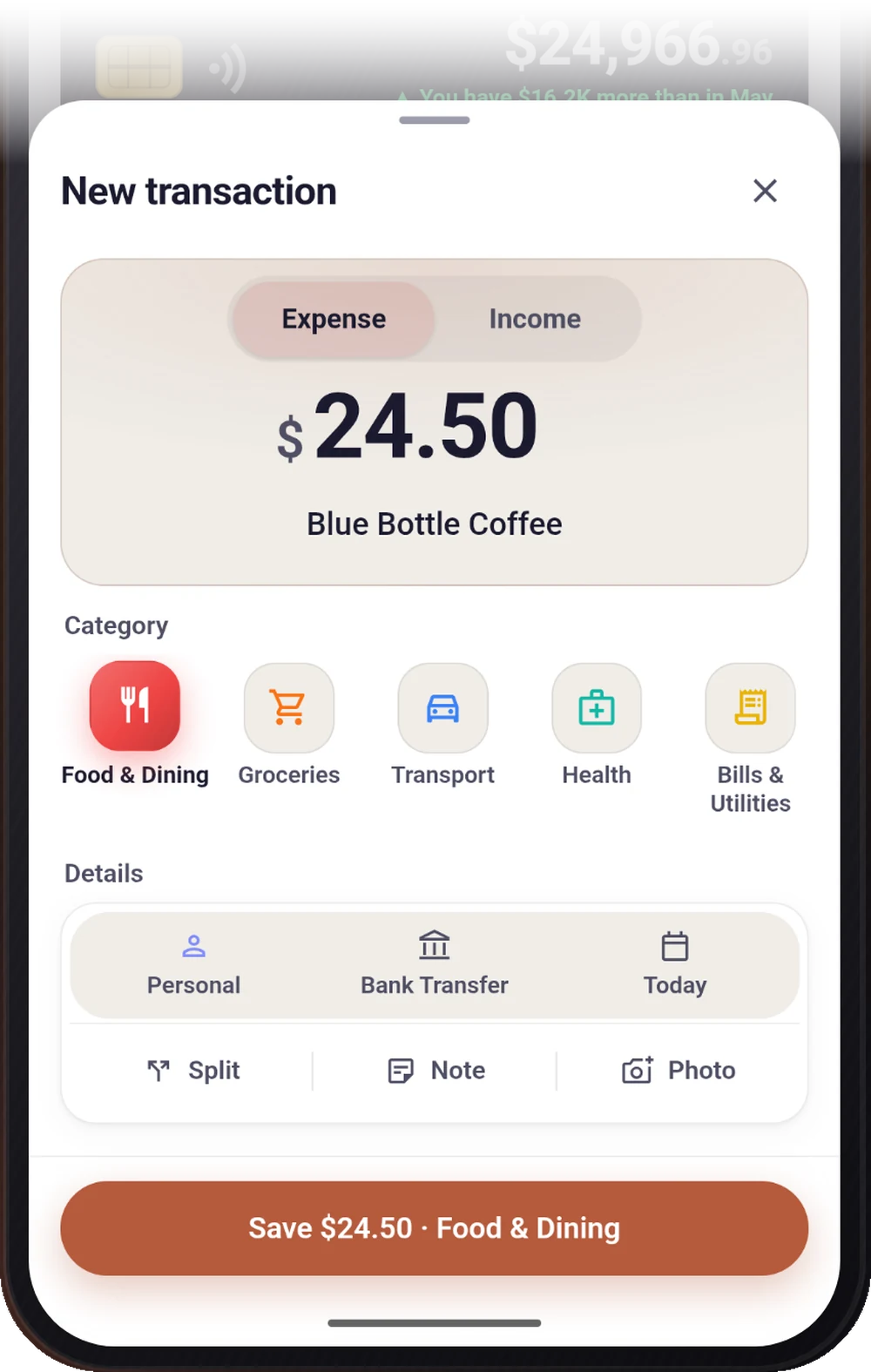
Add in three taps
Amount, category, save. "Again" repeats a past entry in one tap.
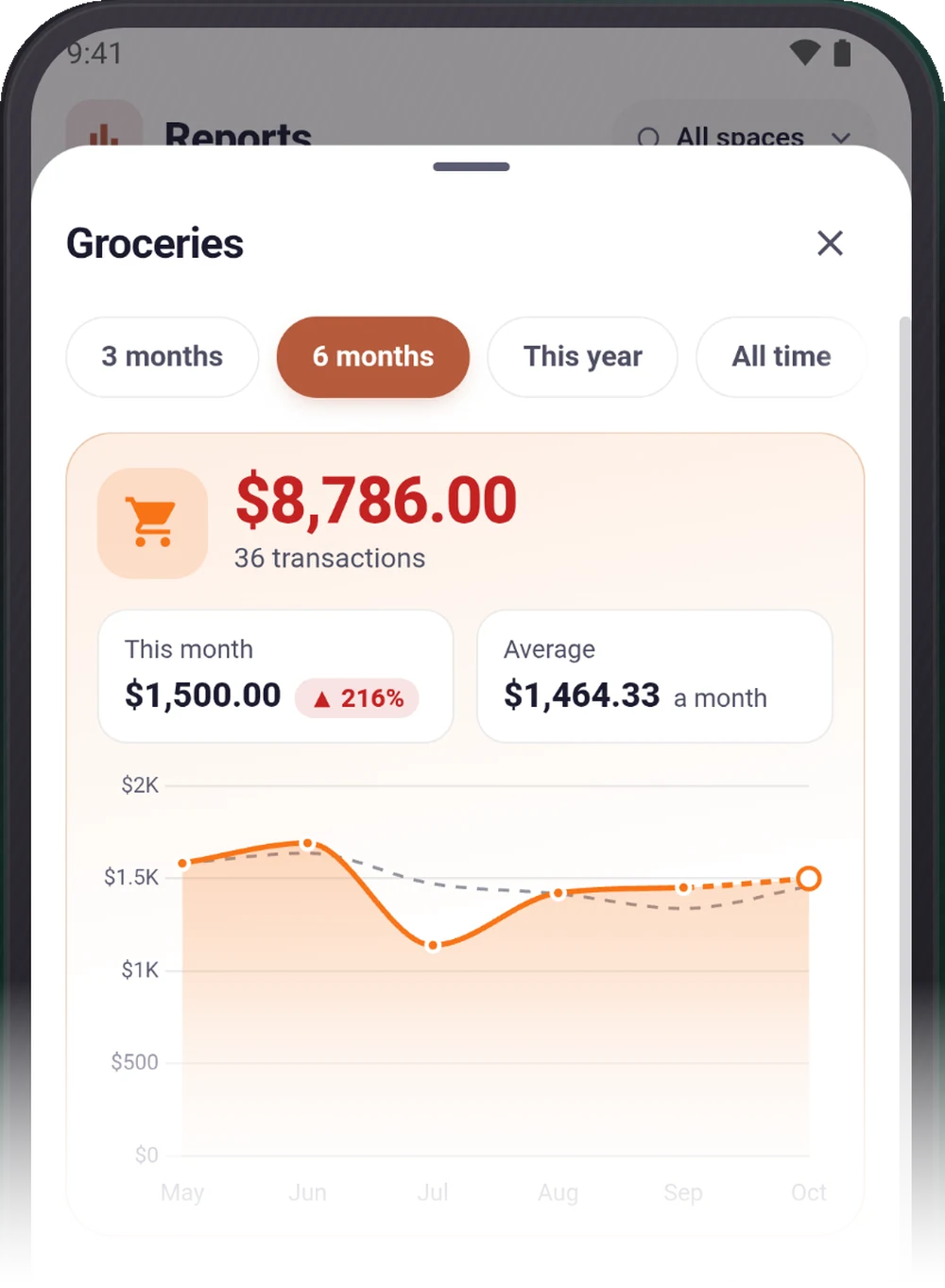
See where your money goes
Reports by category, month, space and payment method. Tap any bar to see every payment behind it.
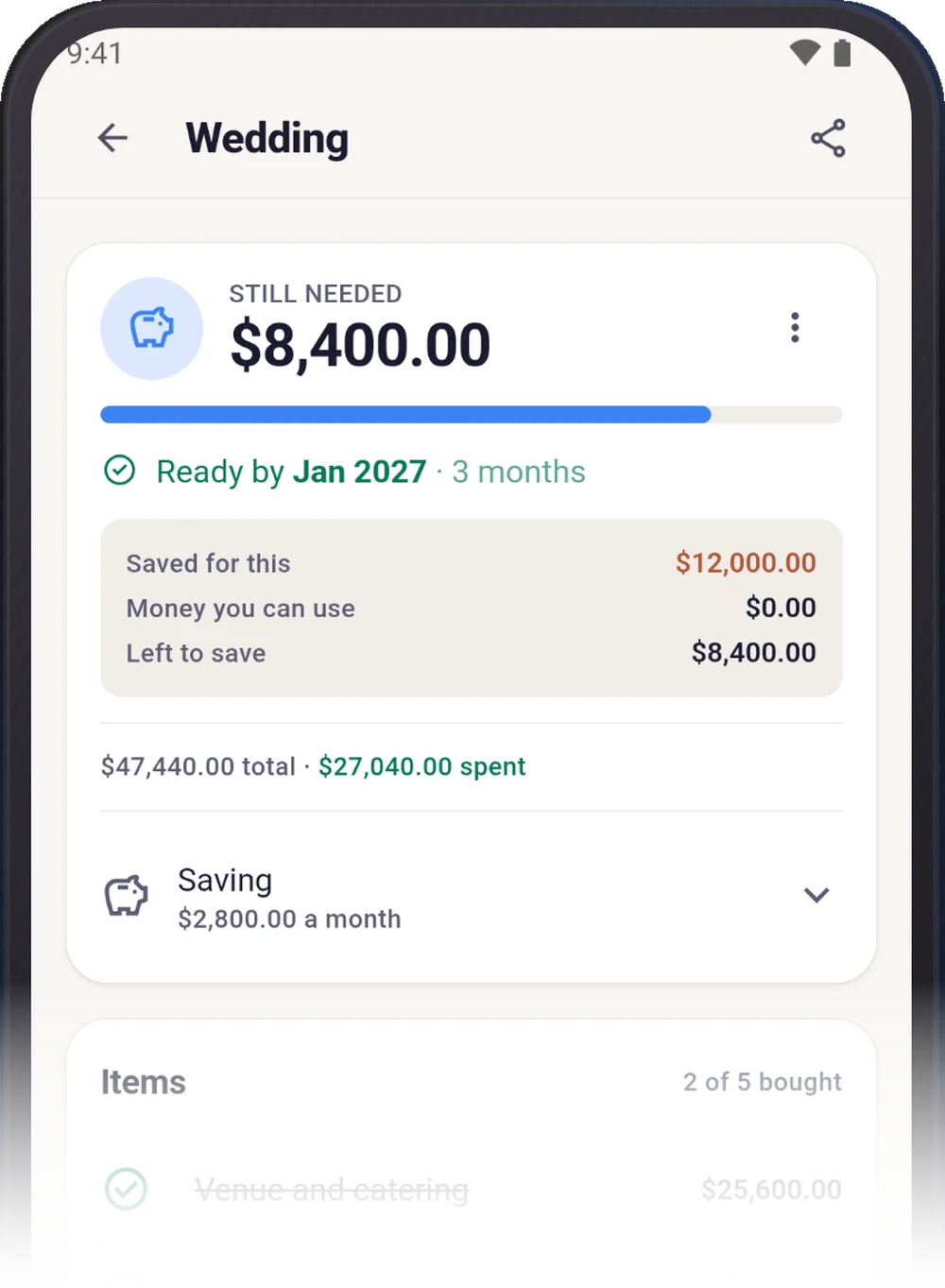
Know when you can afford it
List what a wedding, a car or a phone will cost and ExpenseHub shows the month you can afford it — or the real EMI if you buy on finance.
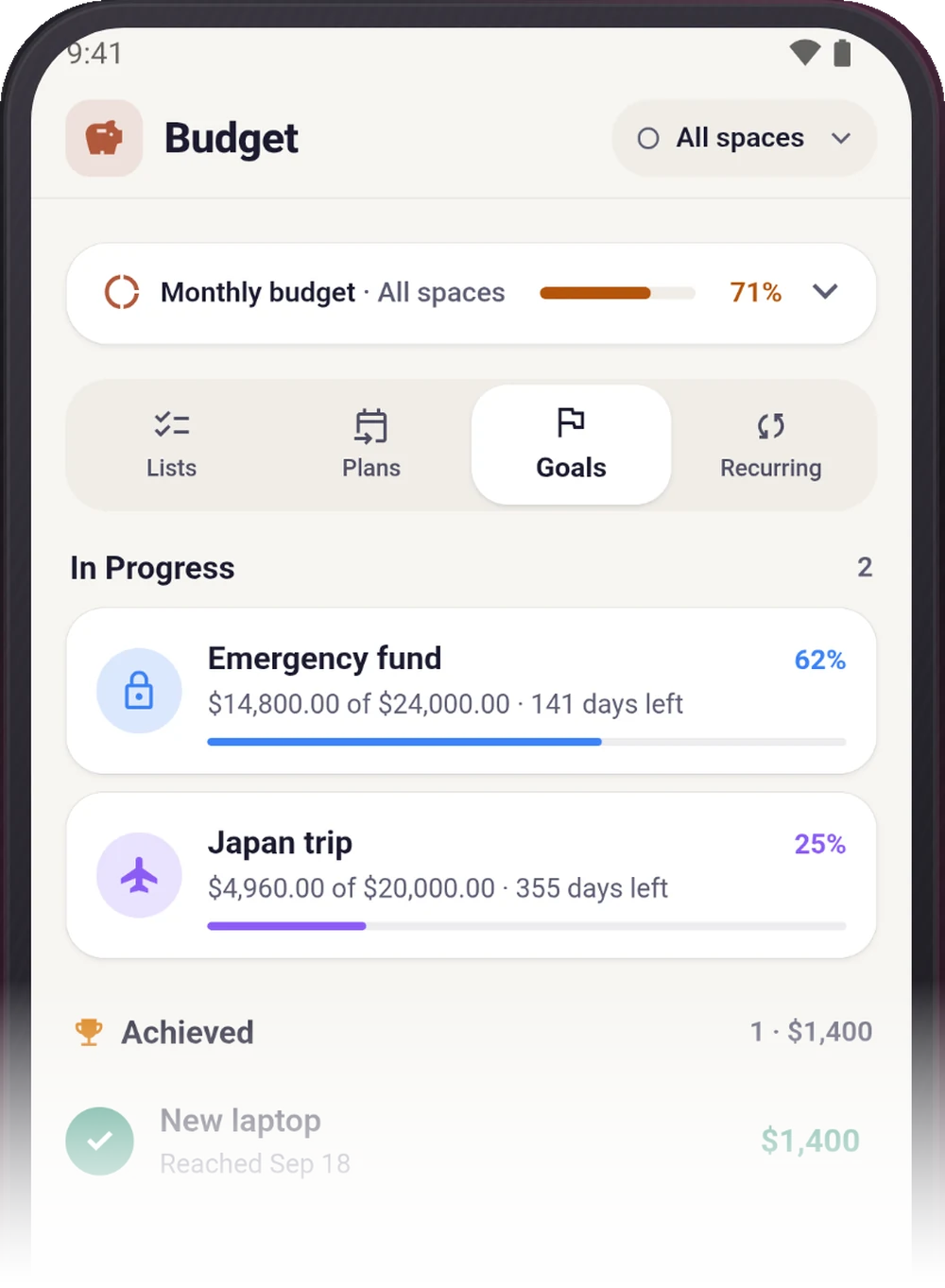
Save for what matters
Set an amount, watch it fill, and tick it off when you get there.
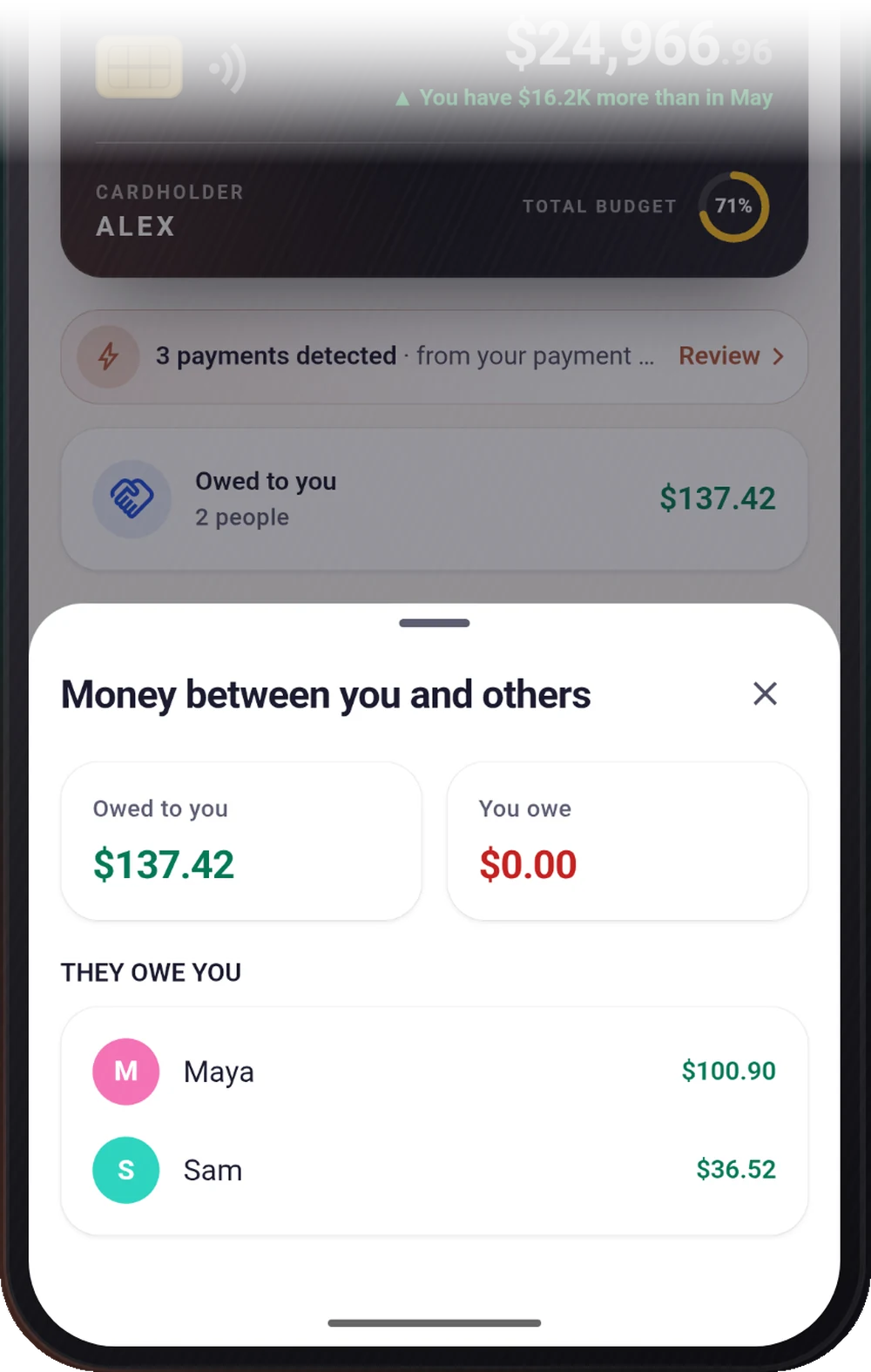
Settle up with family
Split a bill and see who owes you and who you owe. Money lent or borrowed never counts as spending.
Everything you need before you install.
- Version
- 1.3.0
- Updated
- Platforms
- Android
- Package
- com.kanastudio.expensehub
Fresh in this release
- ExpenseHub Plus: no limits, Google Drive backup and a gold member seal
- Try Plus free for 14 days
- Tell a friend or rate us from Settings
- Bug fixes and improvements
Before you install.
Is ExpenseHub free?
Yes. ExpenseHub is free with some limits: 50 transactions a month, 3 spaces, 1 savings goal, 1 budget plan and 2 recurring payments, with reports covering the last 3 months. ExpenseHub Plus removes every limit and adds Google Drive backup.
Does ExpenseHub need an account?
No. There is no sign-up and no ExpenseHub server. Everything you record stays on your phone.
Can ExpenseHub read my SMS messages?
No. It cannot read your SMS inbox, contacts or files. If you turn on auto-capture, it uses Android's notification access to read payment alerts only from the apps you pick, on your phone.
Where is my data stored?
In the app's private storage on your phone. If you connect Google Drive, a backup goes to your own Drive using access that can only see the file ExpenseHub created.
How much is ExpenseHub Plus?
Plus is a monthly or yearly subscription billed through Google Play, with a 14-day free trial on the yearly plan for new customers. The price in your currency is shown in the app and on Google Play.
How do I cancel ExpenseHub Plus?
Open Google Play, then Profile, Payments & subscriptions, Subscriptions, ExpenseHub, and cancel. Nothing you have entered is hidden or deleted when Plus ends.
Which languages does ExpenseHub support?
English, Tamil, Japanese, Korean and Chinese.
Does ExpenseHub work offline?
Yes, fully. The internet is only used for your own Google Drive backup and updates.
Your money. Your phone. Nobody else.
Free on Google Play. No account to create — open it and start tracking.
- Free to use
- ExpenseHub Plus removes every limit
- 14-day free trial on yearly
Installed and updated securely by Google Play
Hit a bug? We're on it.
Raise a support ticket with this product and the error — you'll get a portal account to track the fix end to end.