ExpenseHub
Official ExpenseHub page: the private expense tracker for Android by KanaStudio. Google account use, Plus billing, privacy and support.

Your money.
Your phone.
Nobody else.
The private expense tracker. Bank alerts are added for you, budgets and reports fill in by themselves, and everything stays on your phone.
Free to download
Plus: 14 days free
- No ads
- No account
- No servers
- Works offline
A money app that doesn’t want your data.
Private by design
No sign-up and no ExpenseHub server. There is nothing to leak.
Bank alerts, added
Payment alerts are read on your phone and wait for one tap.
No ads. Ever.
Paid for by members, not by your data.
Simple on the outside. Powerful inside.
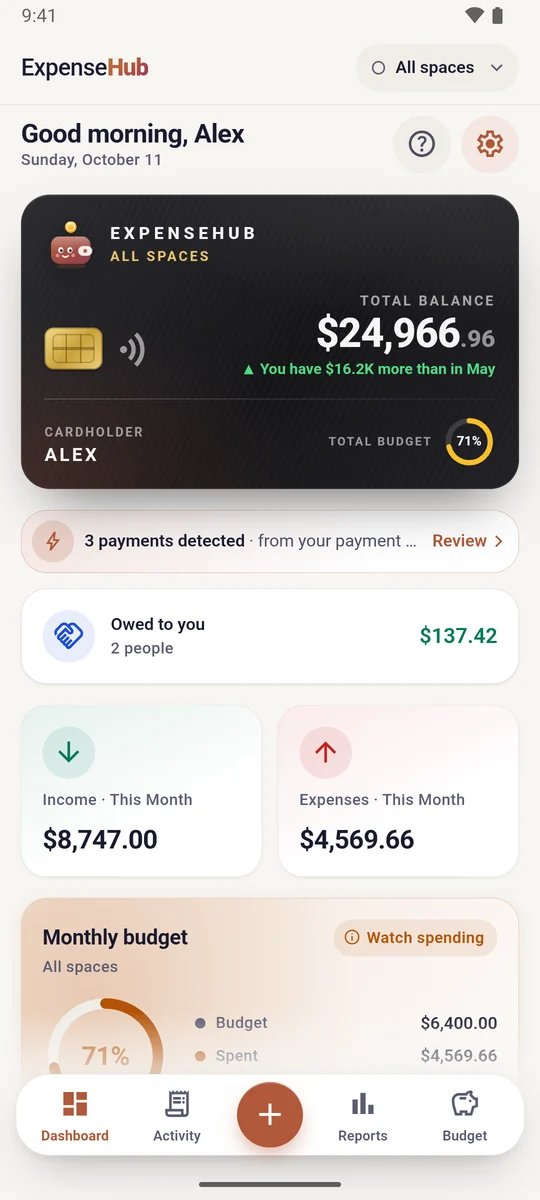
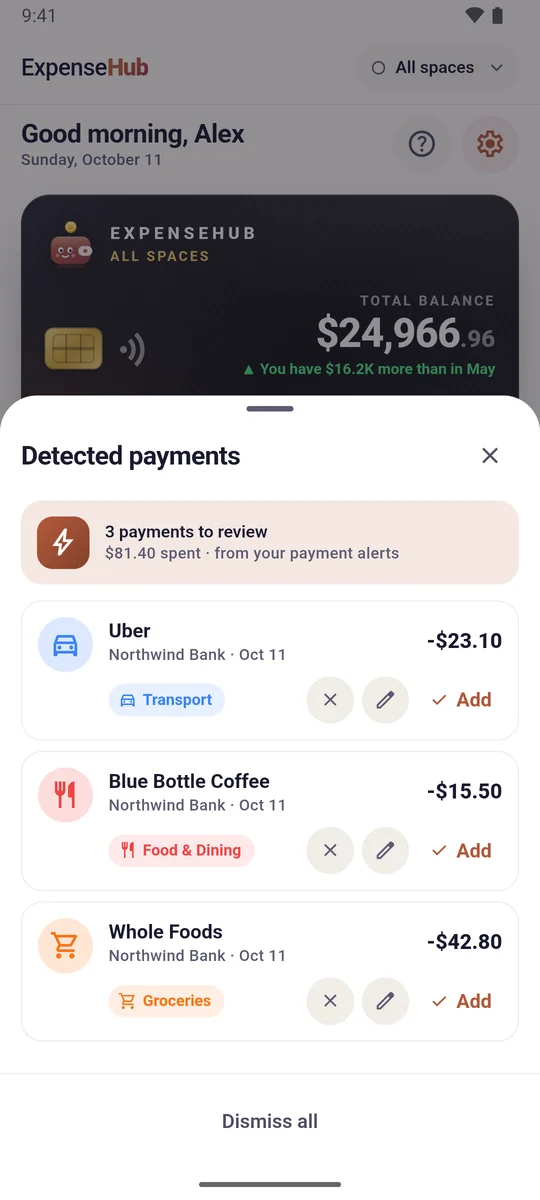
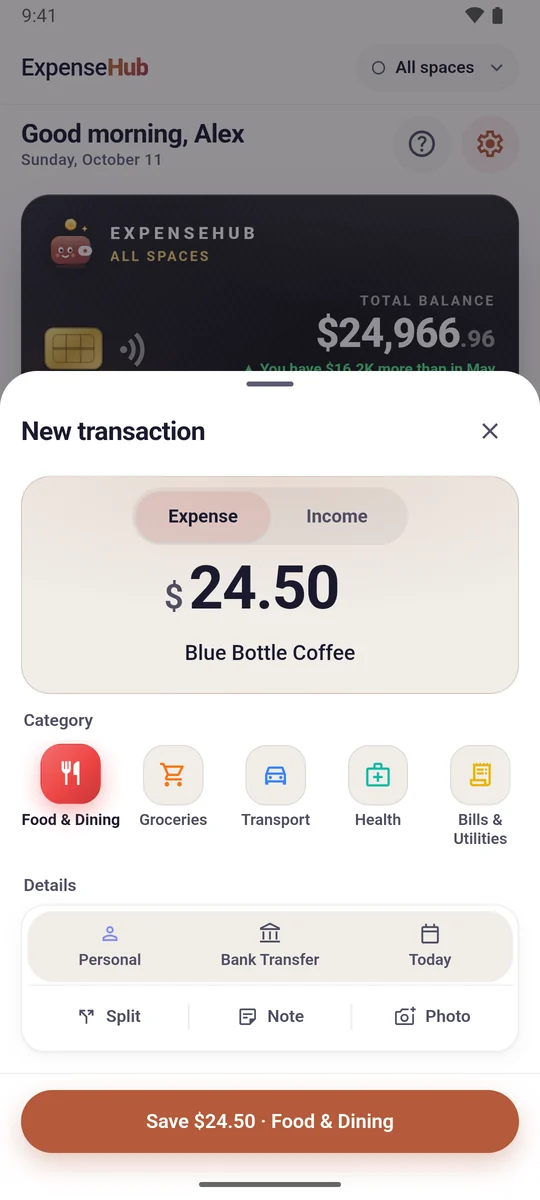
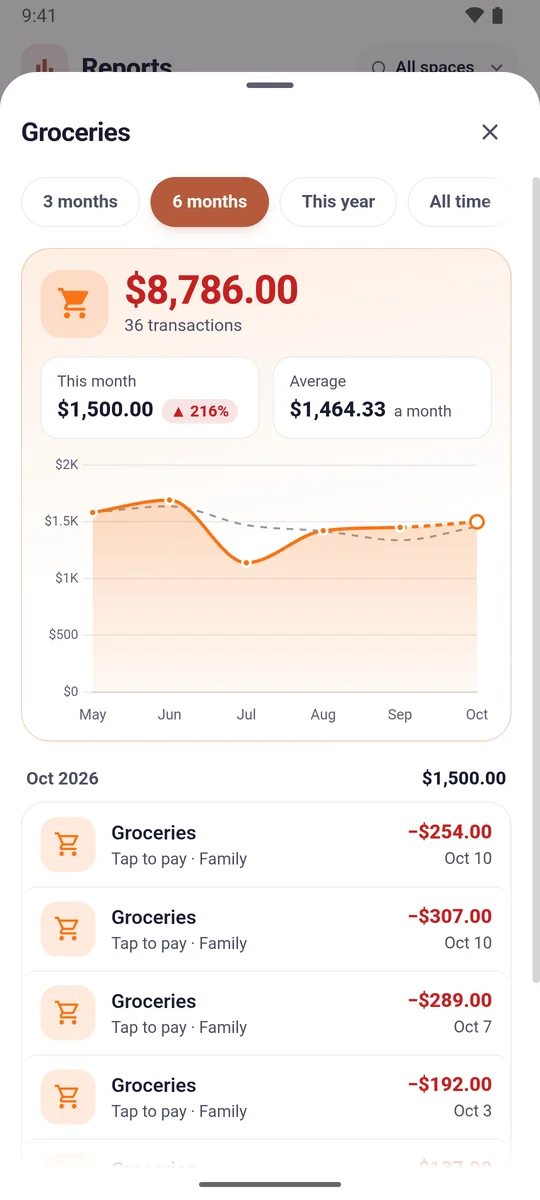
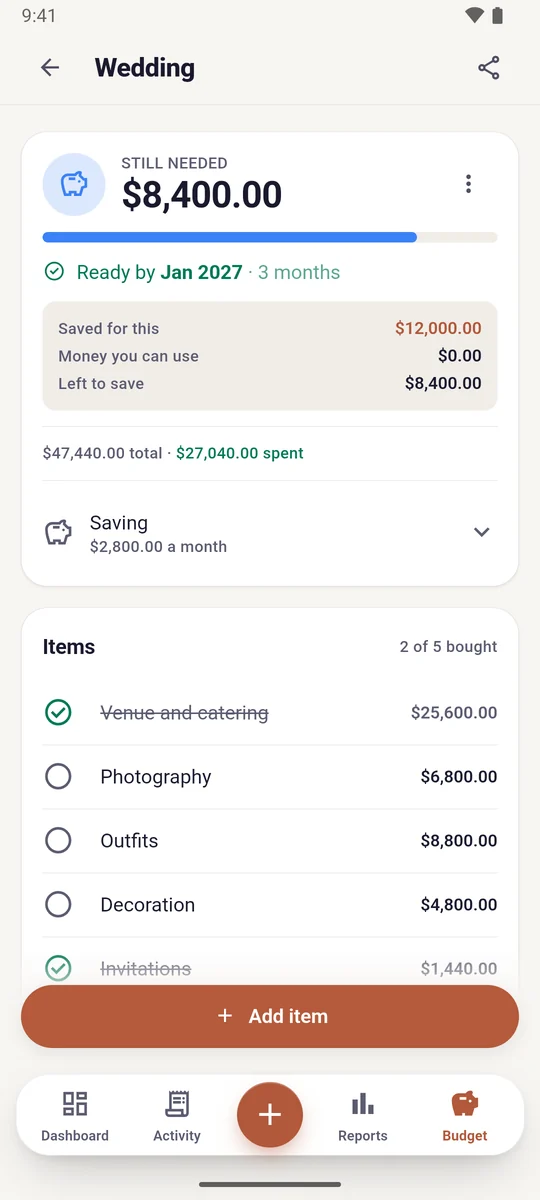
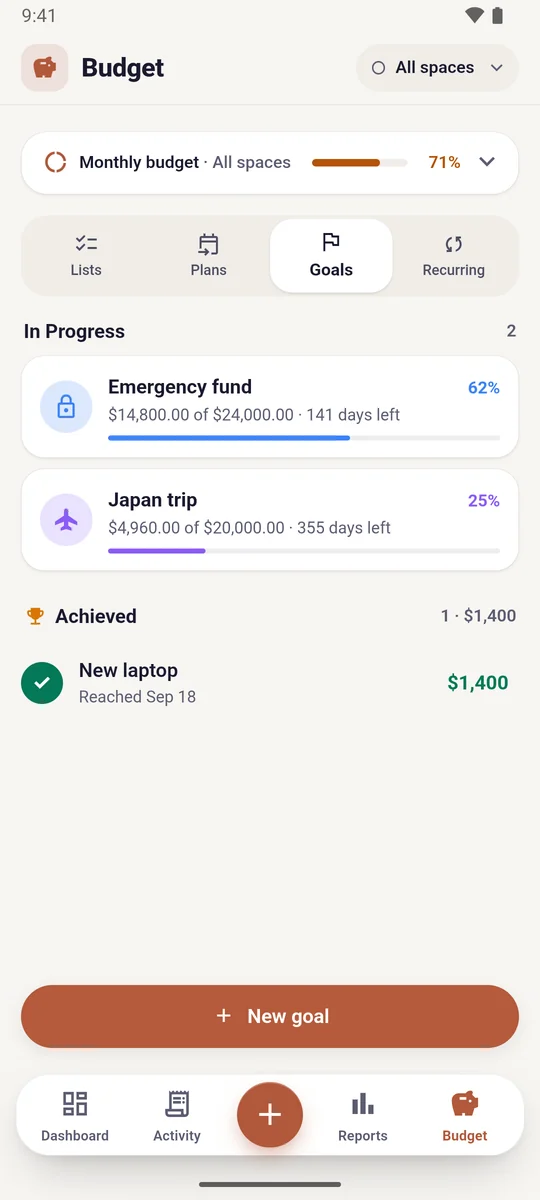
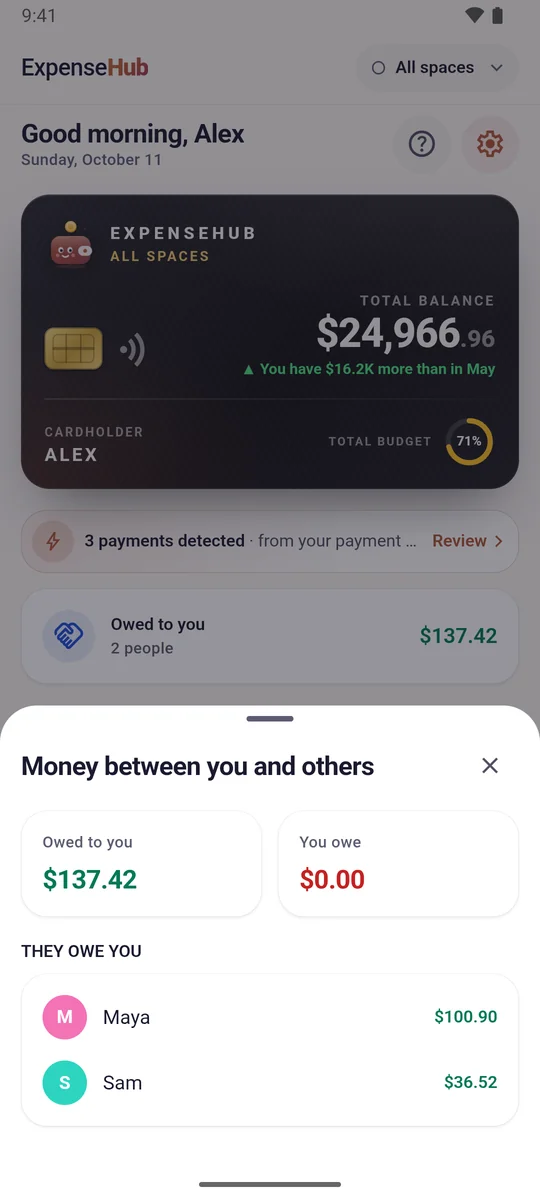
What ExpenseHub does
- Add an expense in three taps; repeat a past entry in one
- Payment alerts from the bank apps you choose, added for you (optional, processed on your phone)
- Monthly budgets and reports by category and month
- Separate spaces for Personal, Family, a shop or a trip
- Plans for big purchases, loan EMI and interest schedules
- Savings goals and recurring bills
- Split bills and see who owes whom
- App lock with fingerprint, face or phone PIN; hide every amount with one tap
- English, Tamil, Japanese, Korean and Chinese
- Light and dark themes; works fully offline; phones and tablets
Free and ExpenseHub Plus
Start free
- Transactions50 a month
- Spaces3
- Savings goals · Budget plans1 · 1
- Recurring payments2
- Report history3 months
- Google Drive backup—
No limits
- TransactionsUnlimited
- SpacesUnlimited
- Savings goals · Budget plansUnlimited
- Recurring paymentsUnlimited
- Report historyAll of it
- Google Drive backup✓
Monthly or yearly, billed securely through Google Play. New customers get a 14-day free trial on the yearly plan. Prices are shown in your local currency before you pay. Cancel any time in Google Play → Profile → Payments & subscriptions → Subscriptions; refunds follow Google Play’s refund policy. Nothing you have entered is hidden or deleted, whether or not you subscribe. KanaStudio never sees or stores your card or payment details.
Take control of your money today.
Free on Google Play. No sign-up, no ads — just open it and start.
Get it onGoogle PlayYour data, your control
How ExpenseHub uses your Google Account
Signing in with Google is optional. ExpenseHub uses it for one thing: backing up to, and restoring from, your own Google Drive.
- ExpenseHub requests the
drive.filepermission, which lets it see only the backup file it created. It cannot see, read or list any other file in your Drive. - The backup goes straight from your phone to Google over HTTPS. It never passes through KanaStudio, and KanaStudio cannot see it.
- ExpenseHub does not read your Gmail, contacts, calendar or any other Google data, and never shares or sells data.
- You can disconnect Drive in ExpenseHub’s Settings, or remove access any time at Google Account Security Third-party connections. The app keeps working fully offline without it.
Bank alerts and notification access
Auto-capture is off until you turn it on. It then uses Android’s notification access to read payment alerts only from the apps you pick. What it reads is processed on your phone and never leaves it. ExpenseHub cannot read your SMS inbox, contacts or files.
No tracking, easy to leave
- No analytics, no crash reporting, no advertising ID, no ads.
- Export everything to a file whenever you like.
- Delete everything with Settings → Factory Reset; uninstalling removes all on-device data.
- Full details: ExpenseHub privacy policy.
Support and contact
ExpenseHub is developed by KanaStudio, a design and software studio in Chennai, India.
- Email: design.kanastudio@gmail.com — we reply within 24 hours
- Report a bug: kanastudio.in/support
- Website: kanastudio.in